Private team chat without the bloat.
Priced for real teams.
Team chat with rooms, direct messages, threads, files and search. Message bodies and files are encrypted in the browser that sends them. Your full history is on every plan, and a Slack export moves in with you.
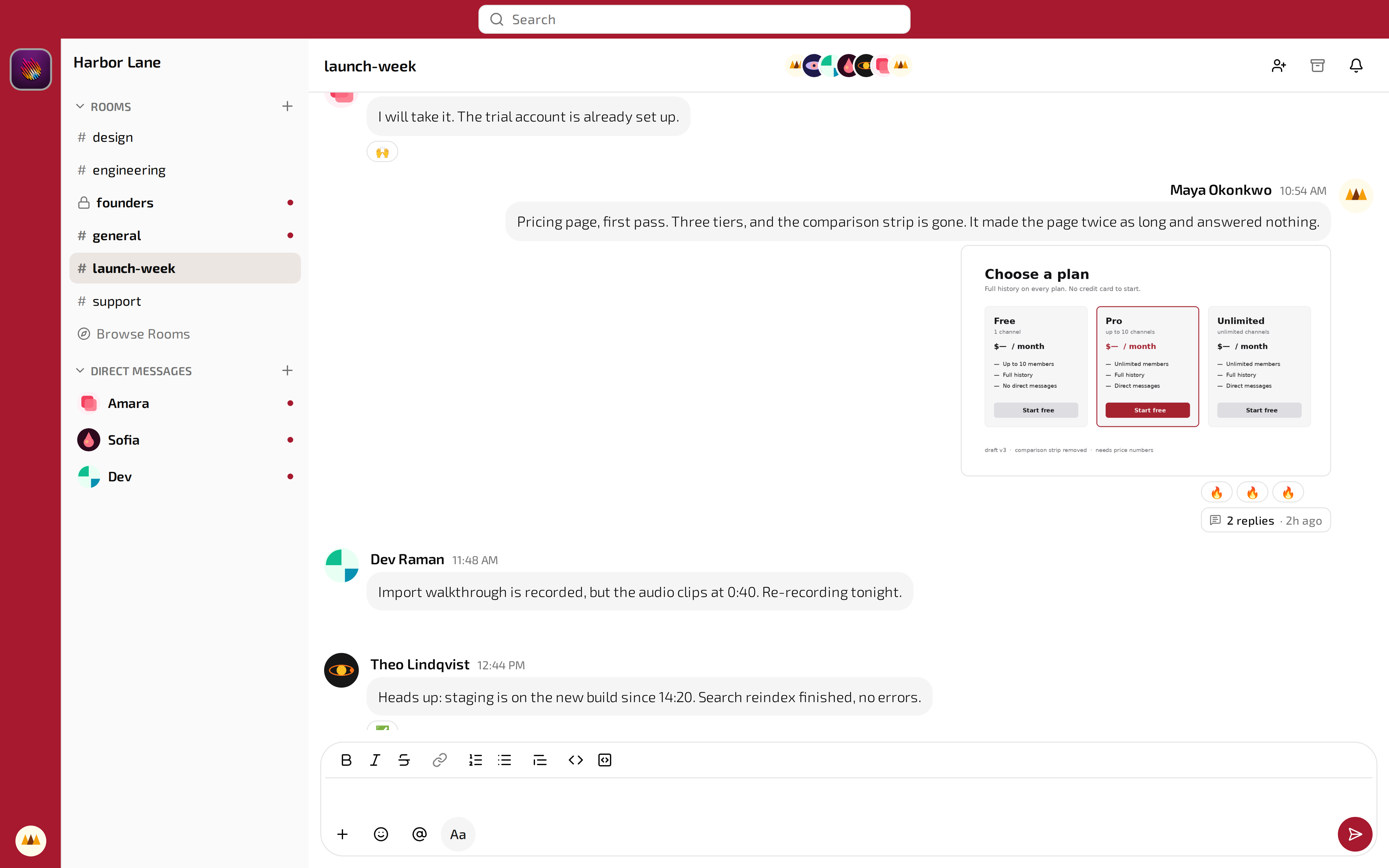
A room in a workspace called Harbor Lane.
Three reasons to switch
End-to-end encryption with owner unlock
Your messages and files are locked before they ever leave your device, so no one else can read them even within our servers. But insurance is built-in: the workspace owner keeps a spare key for the day the team needs a room reopened, and every use of it is recorded.
Full history at a competitive price
Every message you have ever sent stays searchable on every plan, including the free one. History is not the lever that moves you to a paid tier here.
Slack import
Upload a Slack export ZIP. Rooms, members, messages, reactions and files land in the new workspace. Members claim their own accounts by email.
Only the features your team needs
Rooms, direct messages and threads
Public rooms, private rooms and direct messages sit in one list. Threads run one level deep on any message. Reactions, mentions and a rich-text composer are built in, and updates arrive live over a WebSocket with presence showing who is in the room.
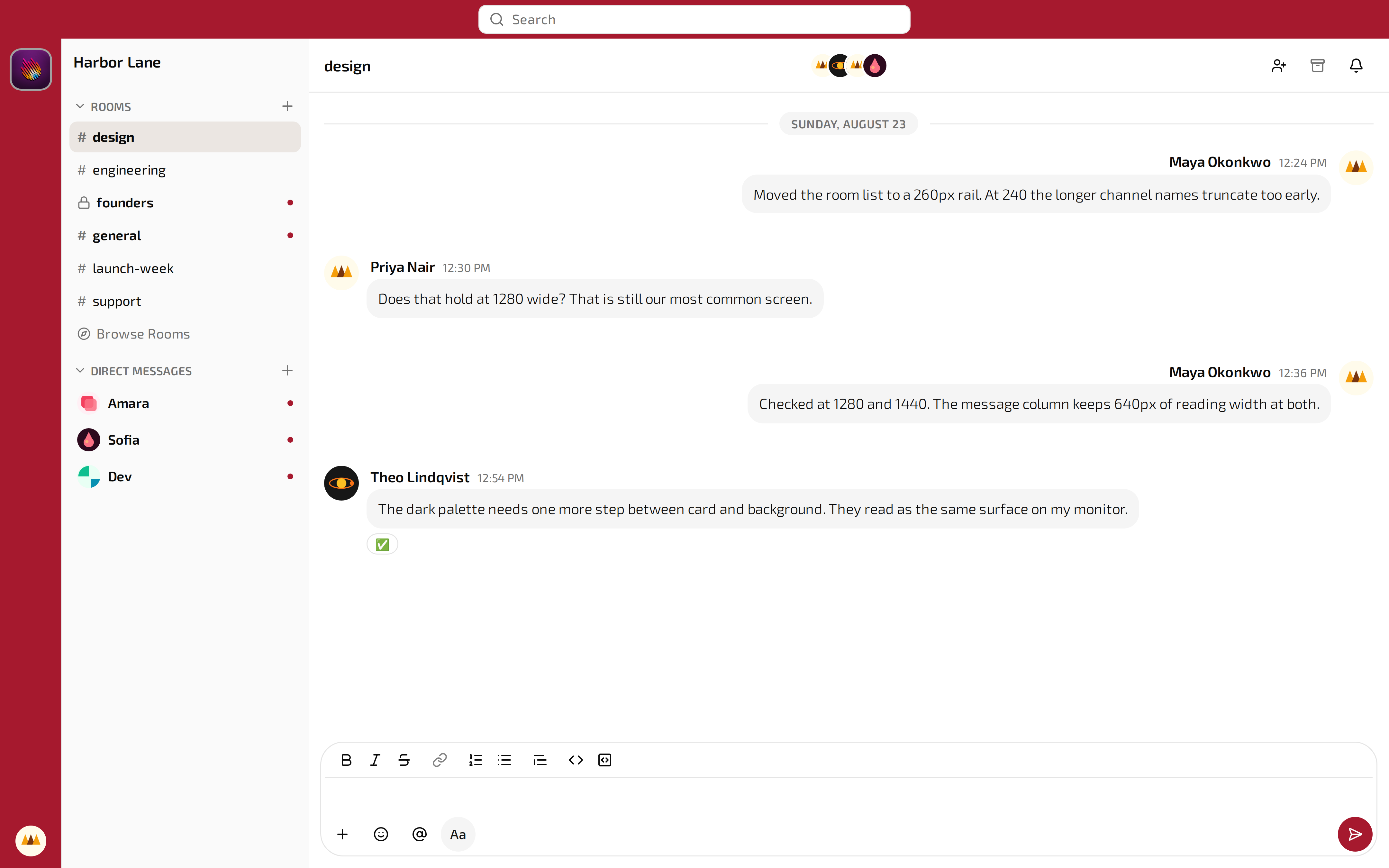
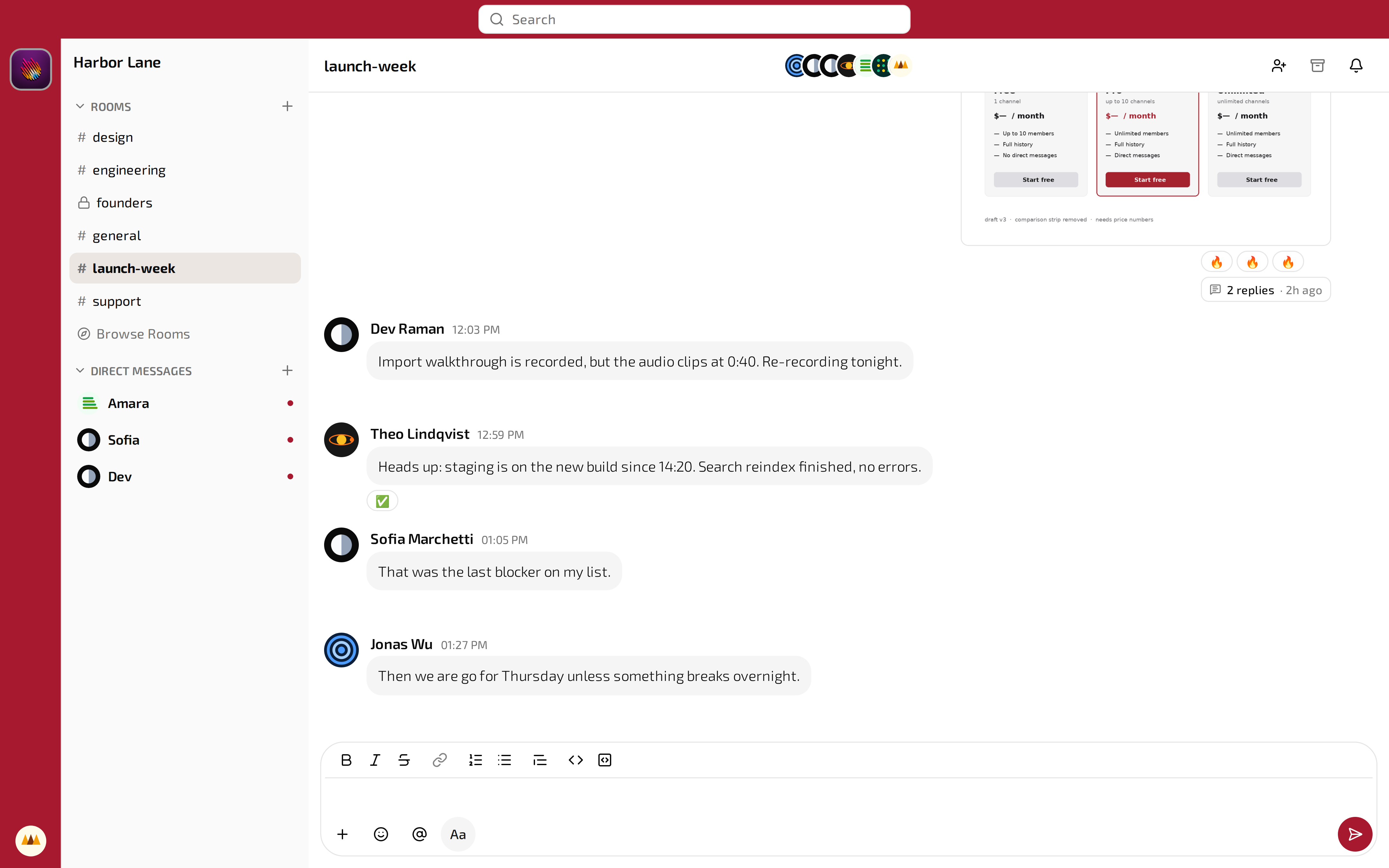
Your conversations stay yours
What your team says in a room is readable by the people in that room and by the workspace owner. Not by us, not by anybody who obtains our database, and not by anybody who intercepts the traffic. Salaries, a contract draft, a client's details, an incident nobody outside the group should hear about: whether you are a company, a non-profit, a club, a study group or a handful of friends, those stay inside the team.
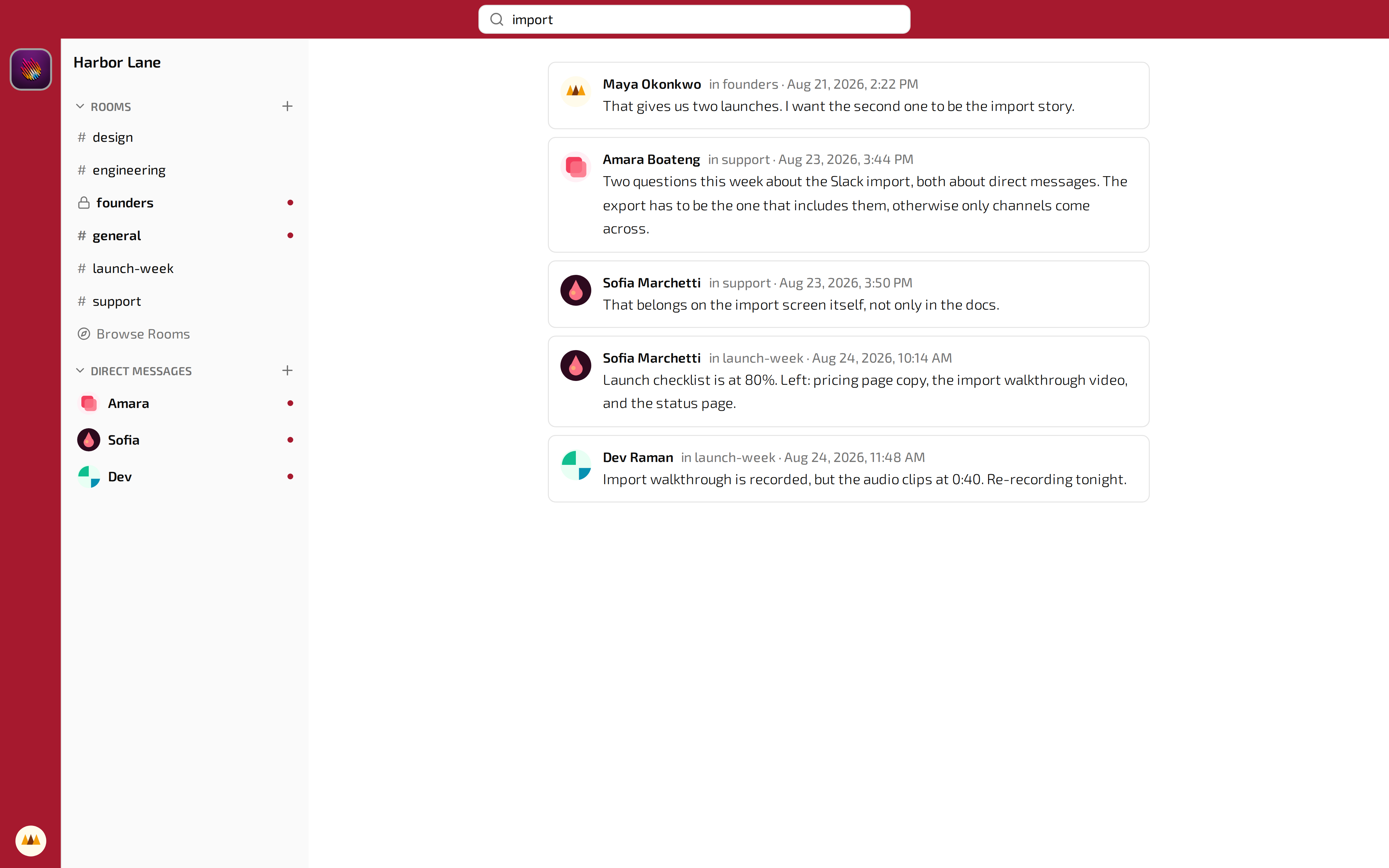
Search across your messages
Full-text search covers your history. You have access to all the content your device has read, but results may differ across your other devices due to the encryption mechanism.
Sign in with Google
Nobody has to remember another password. People sign in with the Google account they already use every day. When somebody leaves and you close their Google account, their access to the workspace closes with it.
Or an email and a password
Google is optional. An email address works too, and every new address is verified before it can post.
One code to join
Share the workspace join code and the team is in. Owners and admins can deactivate or ban an account at any time.
Your team could be talking in here in ten minutes.
How encryption works
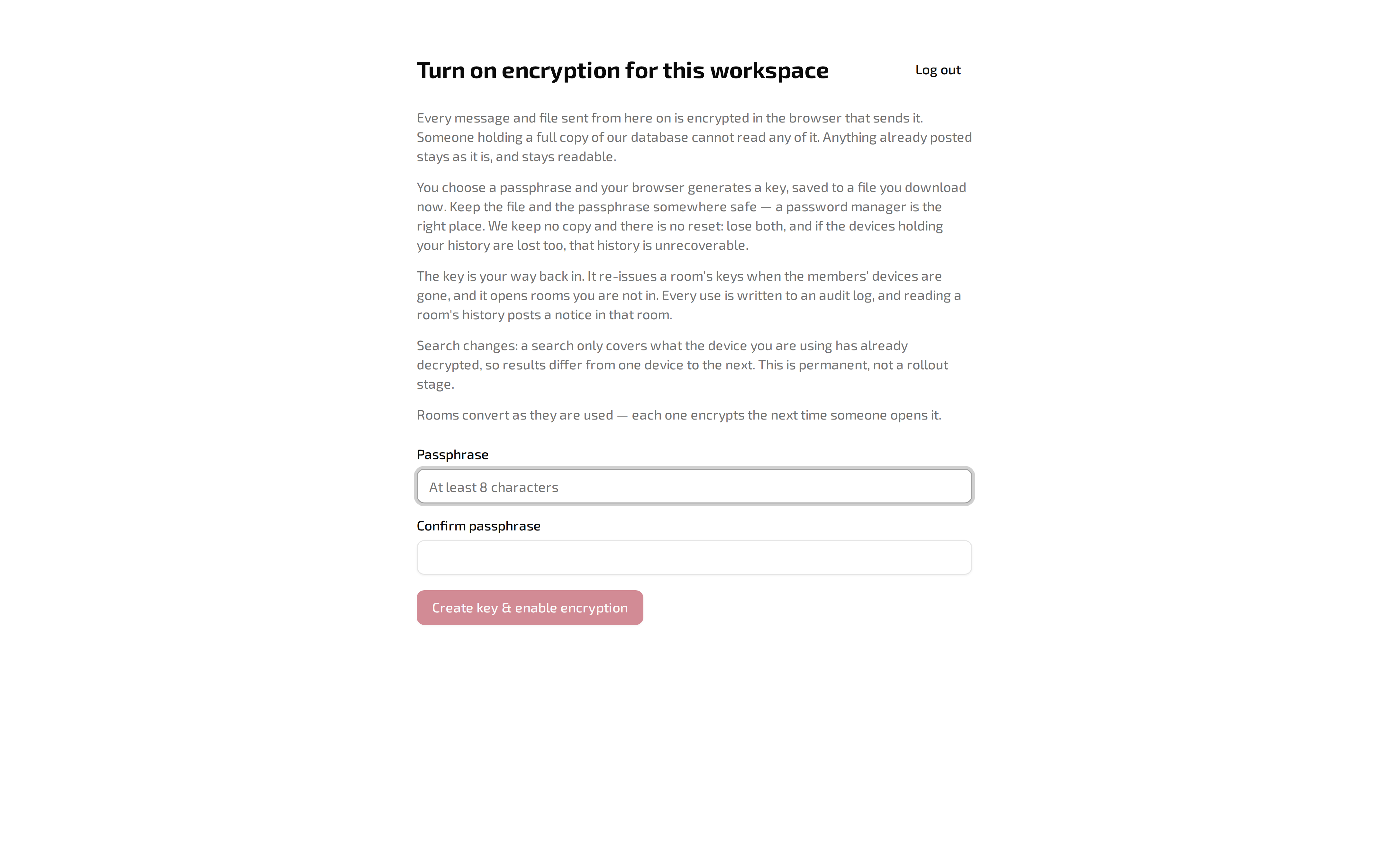
One screen turns it on for the whole workspace.
You hold the key
Every message is locked with a key, so only members can read that room's messages. No one else can read your rooms.
The owner keeps a way back in
An escrow key lets the owner reopen a room when the people who were in it have gone. Every use is audited.
Mobile apps coming soon!
Usapan Chat is web-only at launch, but apps for iOS and Android will be launching in the next quarter.
Bring Slack with you
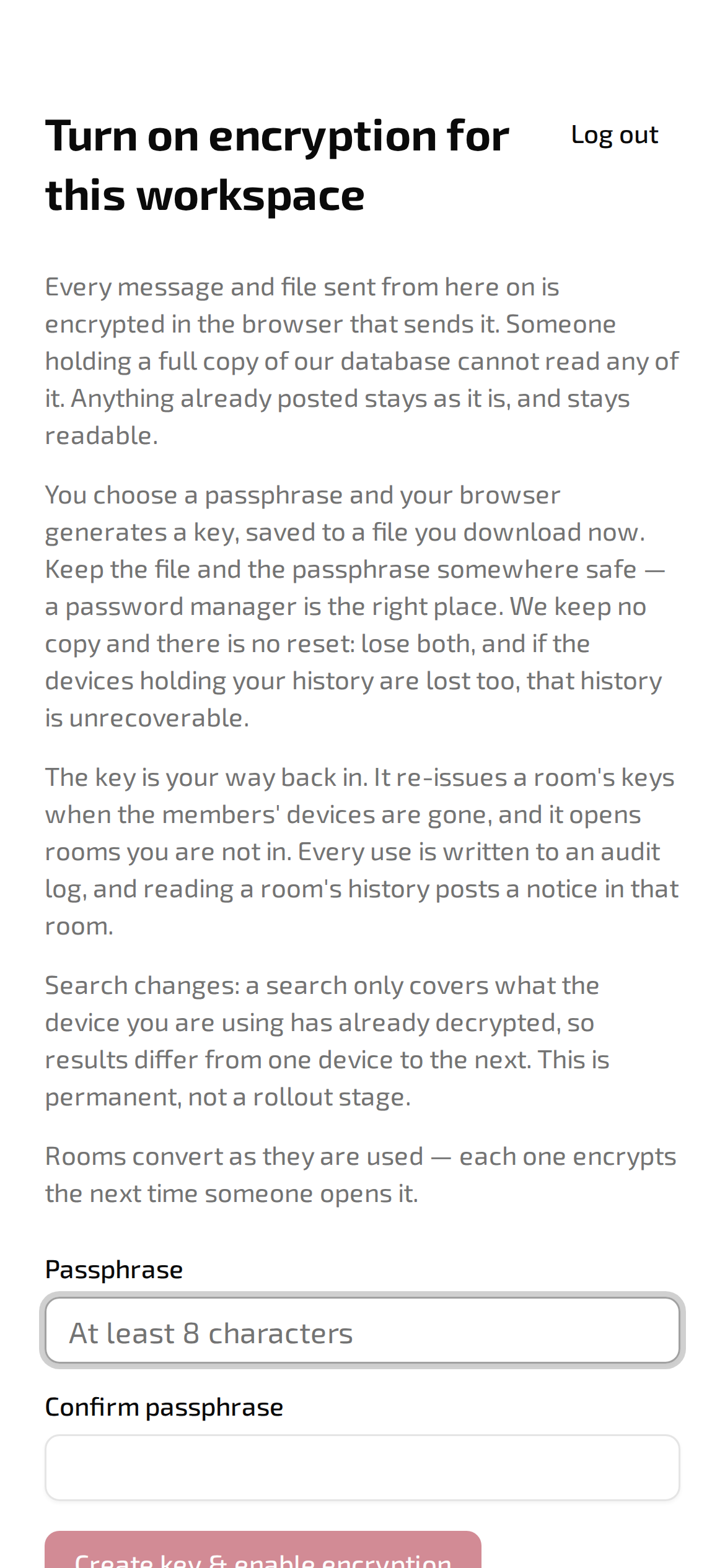
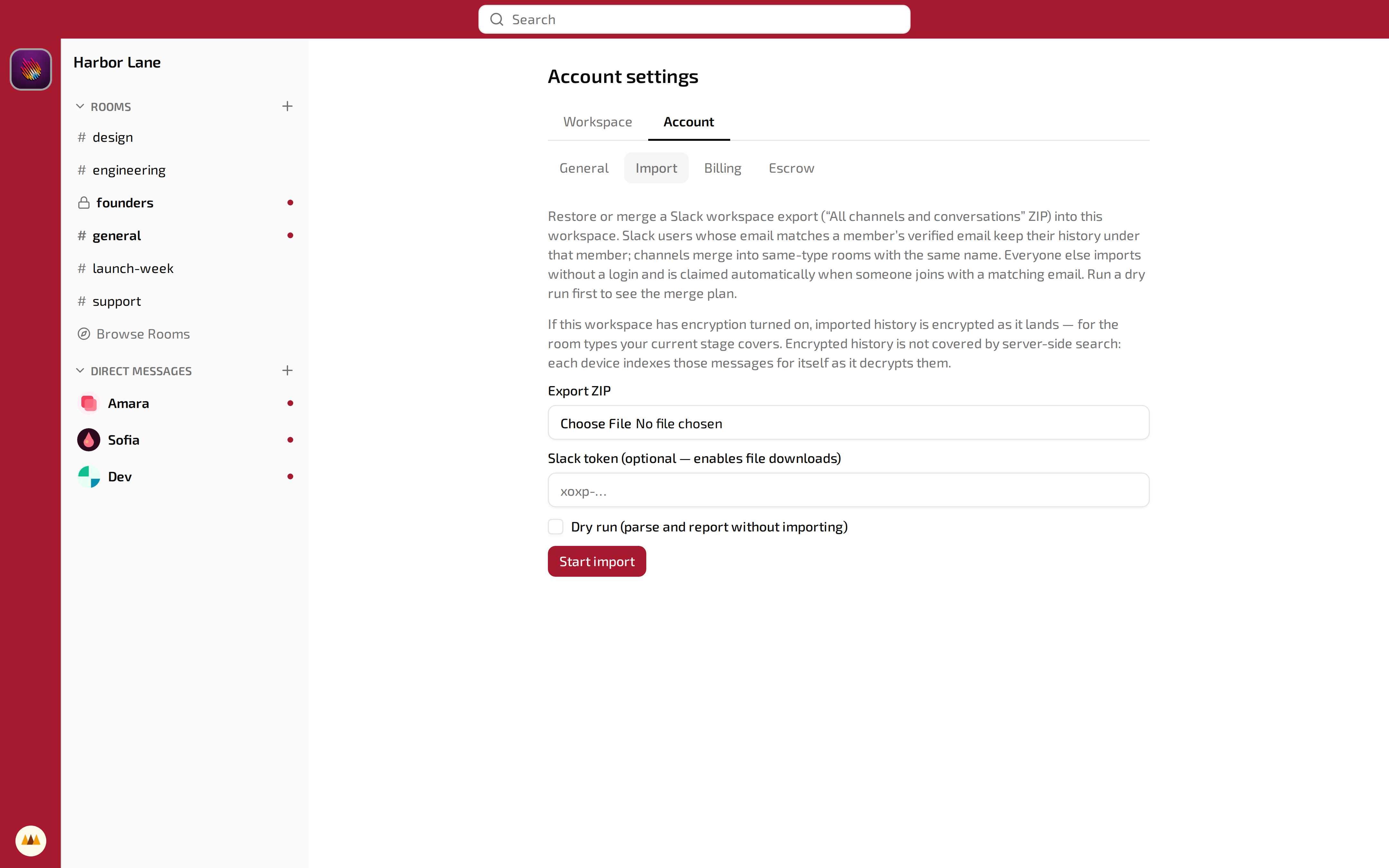
Upload the "All channels and conversations" ZIP. Slack channels merge into rooms of the same type and name. Slack users whose email matches a verified member keep their history under that member; everybody else imports without a login and is claimed automatically when somebody joins with a matching email.
Run a dry run first and read the merge plan before anything is written.
Quick questions
Can Usapan read my messages?
No. Your device(s) encrypt messages and files before they reach the server. The server stores unreadable ciphertext.
Then how do I get my data back if a person leaves?
The workspace owner holds an escrow key and can unlock any room. Each unlock writes an audit record.
How hard is the move from Slack?
Upload the Slack export ZIP. Rooms, members, messages, reactions and files come across. Members claim their accounts by email.
Everything you get today
Every one of these is in the product now, on every plan.
Messaging
Live
Privacy
Running the team
On the way
We are continuously improving Usapan. Watch out for these features soon.
Pricing
Priced per user, per month. Full history on every plan, including the free one.
Billed per active member. Start on Free and move up when the team outgrows it.
Create a workspace and start chatting.
No credit card is needed. Bring your Slack export whenever you are ready.